
 WPL Pro
 Membership Add-on
 MLS On The Fly™
 Data integration & Vow Compliance Service
 WPL Data Importer
 Exporter Add-on
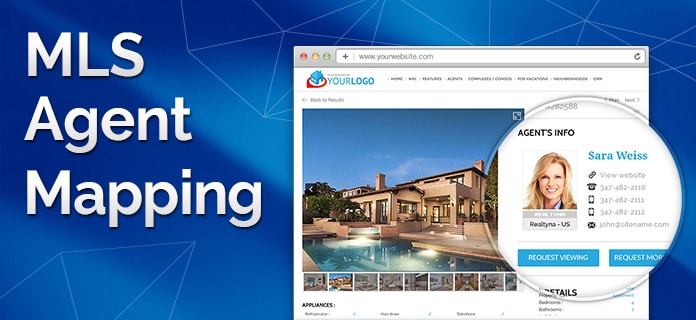 MLS Agent ID Mapping
 Advanced Portal Search Add-on
 Facebook Add-on
 iOS App
 Android App
 iOS iPad App
 Android Tablet App
 Complex Add-on
 Neighborhood Add-on
 Zapier Add-on
 Open House Add-on
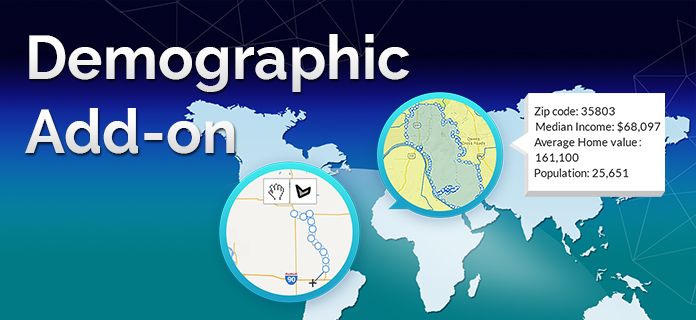 Demographic Information Add-on
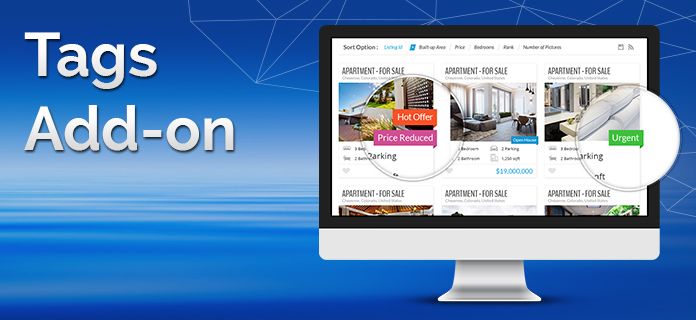 Tags Add-on
 Optimizer Add-on
 Mortgage Add-on
 Yelp Integration
 API Plugin
 Brokerage Add-on
 Agents Shared Business
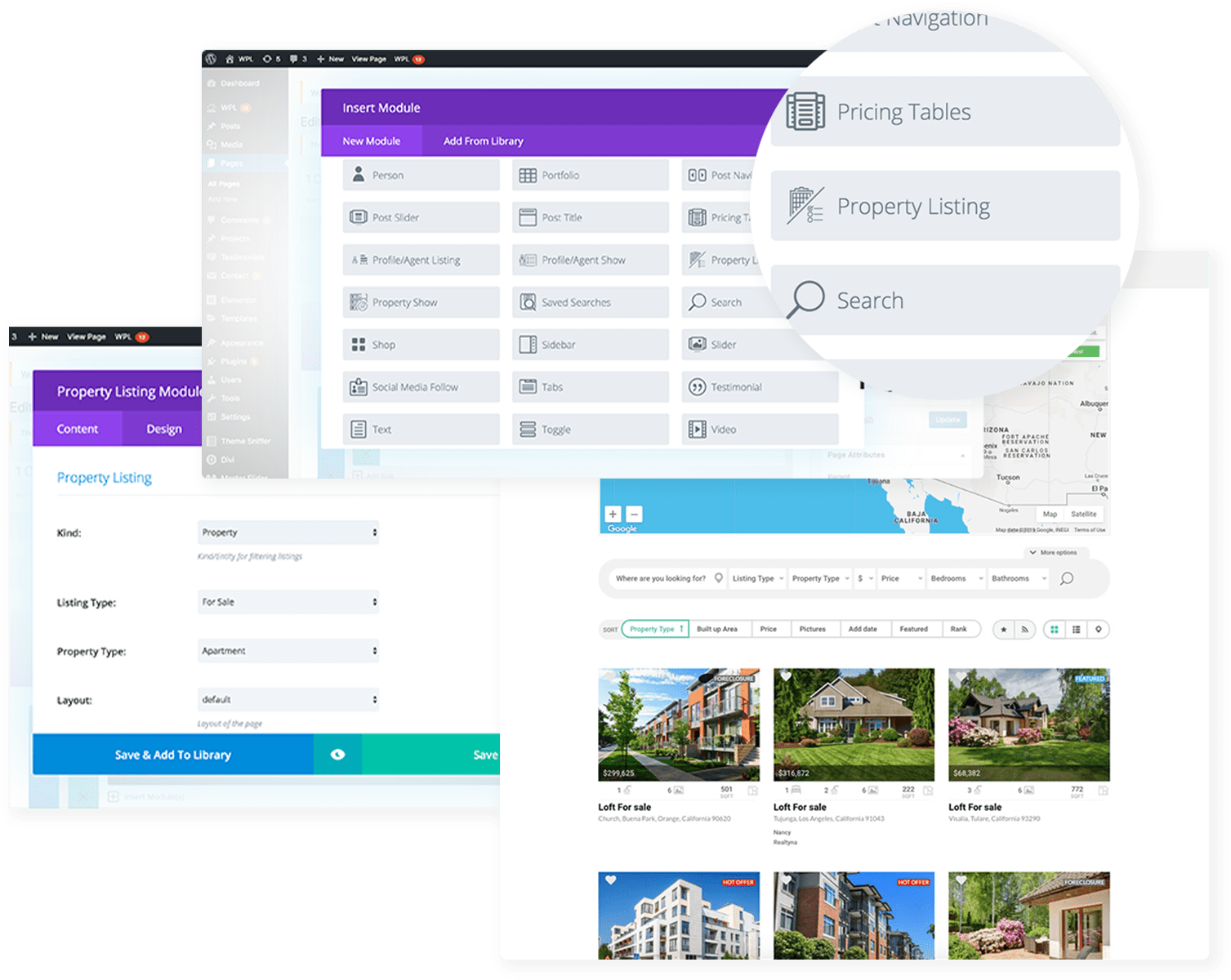
Adding IDX Listing Page via Divi builder
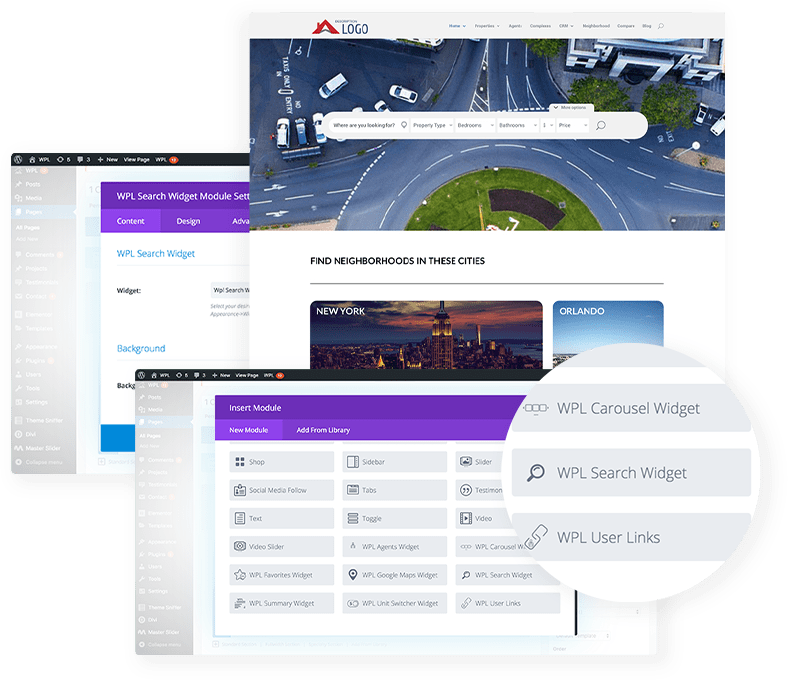
Now you can add a property listing via Divi Builder with WPL Divi Property Listing element with ease. You simply need to edit a page with the Divi Builder Page Editor, Add a Divi Module anywhere on the page and then choose the “Property Listing Element” from the options. After, you can filter properties based on property type, location, price, etc.
Adding IDX Search via Divi builder
To add an IDX search to any page, you just need to go to the WordPress Widget section and add your search widget to any widget area, then configure it based on your needs. Afterwards, you should go to the page you would like to add the search and add a Divi Module in your preferred place, then choose “Property Search Element.” In the menu, you should choose the search widget that you added in the previous step.